Configuring SureIdP Directory
Accessing SureIdP Section
To begin configuring SureIdP, follow the steps below to access the appropriate settings section within the SureMDM Web Console:
Login to the SureMDM Web Console and click on Settings from the top navigation bar.
In the Settings panel, choose the Account Settings option.
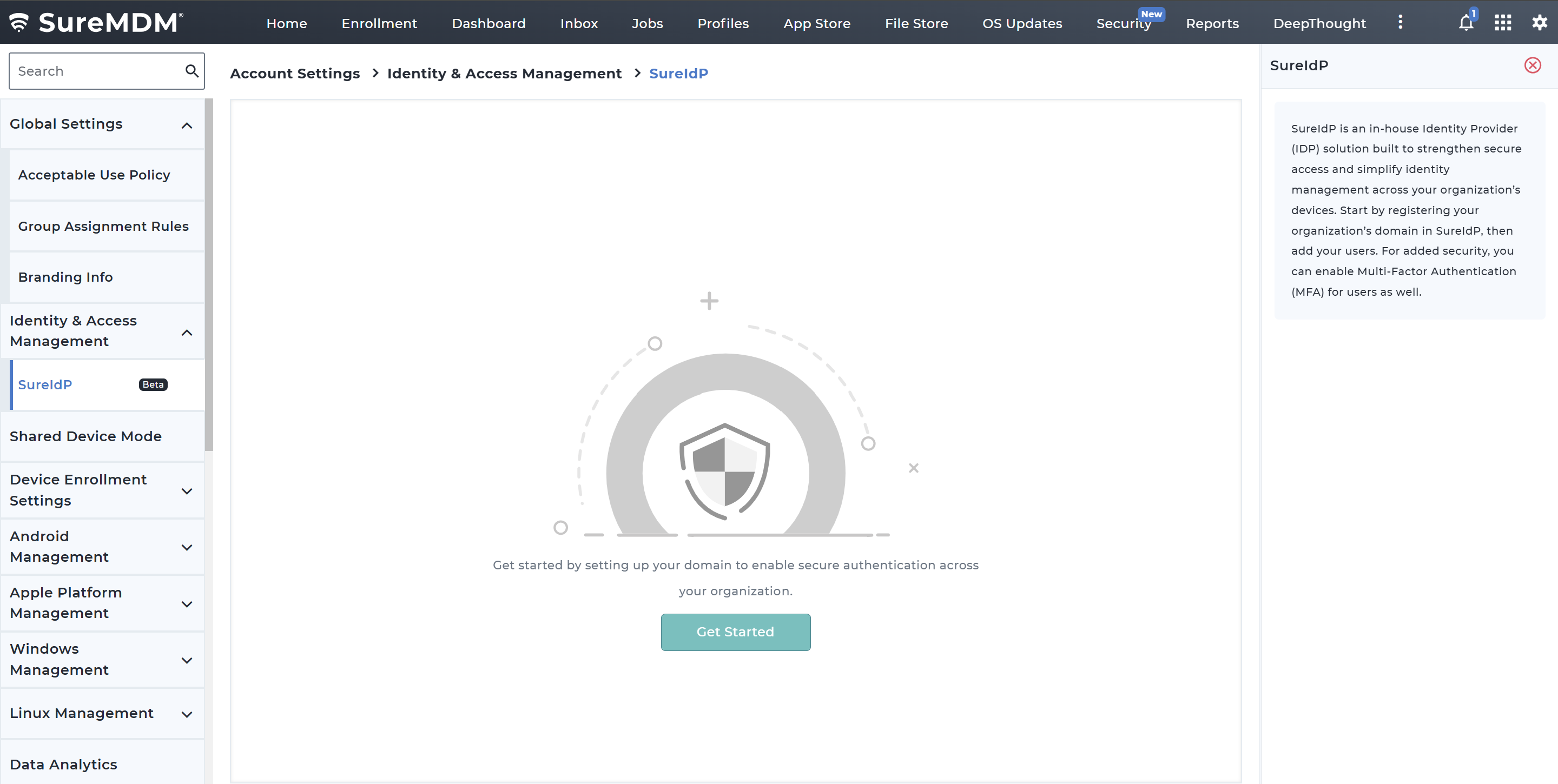
Under Account Settings, click to expand the Identity & Access Management subsection and click on SureIdP.
If you're accessing SureIdP for the first time, a Get Started screen will appear.
Click Get Started to begin the domain configuration process.
Configuring SureIdP involves the following stages:
Domain Configuration:
Set up and verify your organization’s domain to enable identity federation and ensure users can authenticate using their corporate credentials.
User Management:
Manage user accounts within SureIdP, including adding new users, assigning roles, and configuring authentication settings to control access across devices and services.