macOS Profiles
SureMDM empowers IT administrators to configure and distribute individual or multiple profiles to enrolled macOS devices, offering a versatile approach to customization. The profiles can be deployed to the devices based on system and user levels.
macOS profiles will be supported only for Premium and Enterprise licenceses.
Supported Enrollment Types for macOS Profiles
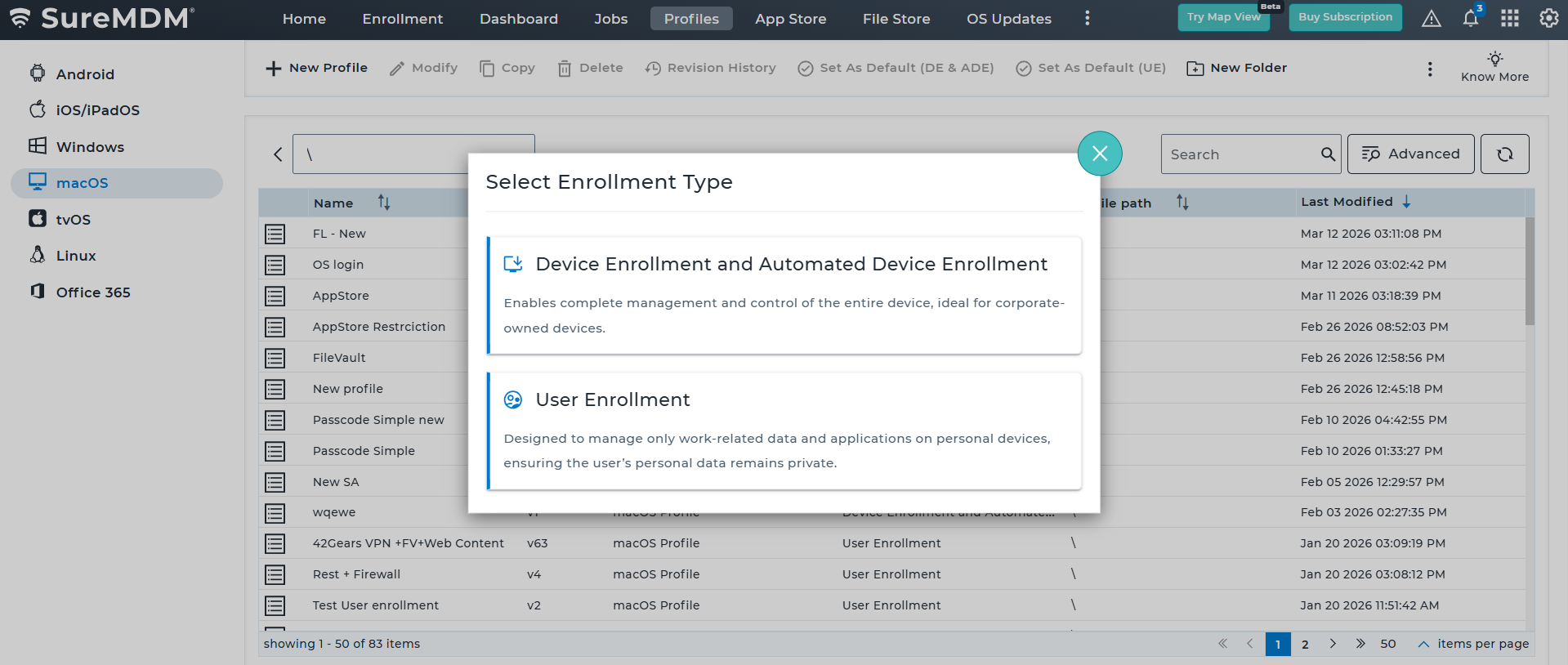
When creating an macOS profile in SureMDM, administrators must first select the Enrollment Type, which determines how the device will be managed and which configurations are applicable. The available enrollment types are described below:
| Enrollment Type | Description |
|---|---|
| Device Enrollment and Automated Device Enrollment | This enrollment type enables complete device management and control, making it ideal for corporate-owned devices. Administrators can enforce organization-wide policies and configure device settings, applications, and restrictions across the entire device. |
| User Enrollment | User Enrollment is designed for personal (BYOD) devices where only work-related data and applications are managed. This approach protects user privacy by keeping personal data separate from organizational management while still allowing administrators to enforce required policies for corporate resources. |
Channel Types
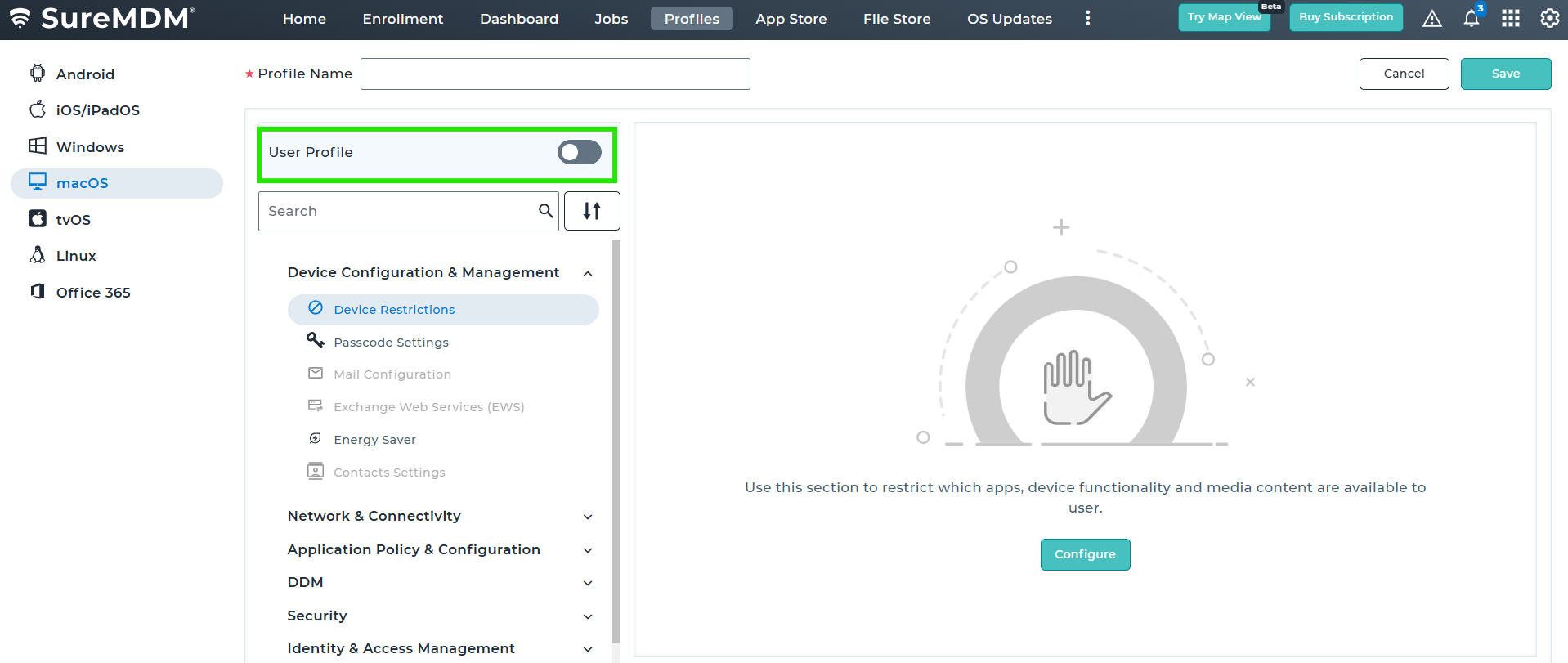
Device Channel - This is a default profile. For this User Profile should be disabled. When a profile is deployed on the enrolled macOS device(s), it gets applied to all users of a device irrespective of whether they have logged into the device or not.
User Channel - To enable User Profile on the SureMDM console, navigate to Profiles > macOS and select User Profile. Once enabled, when a profile is deployed on the enrolled macOS device(s), it gets applied to a specific managed user who has currently logged into the device.
For example, consider a scenario where a macOS device is shared between two users: user1 is a managed user, while user2 is not managed. If the User Profile is applied to the device and user2, who is currently logged in, does not have a managed profile, the applied profile will enter a "Pending" state. To learn more about various job statuses, you can click here.
The macOS profiles supported for User/ System levels are given in the table below.
| Settings | Device Channel | User Channel |
|---|---|---|
| Restriction Profile | Yes | Yes |
| Blocklist/Allowlist Apps | Yes | Yes |
| Application Policy | Yes | Yes |
| Wi-Fi Configuration | Yes | Yes |
| Certificate Profile | Yes | Yes |
| Passcode Policy | Yes | Yes |
| Mail Configuration | -- | Yes |
| Exchange ActiveSync | -- | Yes |
| File Vault | Yes | -- |
| Privacy Preferences Policy Control | Yes | -- |
| Content Caching Settings | Yes | -- |
| Software Update | Yes | Yes |
| Directory Profile | Yes | Yes |
| Web Content Filter | Yes | Yes |
| Firewall Profile | Yes | -- |
| VPN | Yes | Yes |
| Mac Security (Gatekeeper Settings) | Yes | No |
| System Extensions | Yes | No |
| DNS Configuration | Yes | No |
| Energy Saver | Yes | No |
| Contact Settings | No | Yes |
| Font Management | Yes | Yes |
| AirPrint Configuration | Yes | Yes |
| Disk Management | Yes | No |
| Safari Settings | No | Yes |
| Safari Bookmarks | No | Yes |
| Safari Extensions | No | Yes |
| Software Update Management | Yes | No |