System Log Report
Overview
The System Log Report provides a consolidated view of all activities performed within the SuperHub Console. It helps administrators monitor system usage, track user actions, and audit operational events across the platform. This report is primarily used for auditing, troubleshooting, and compliance purposes.
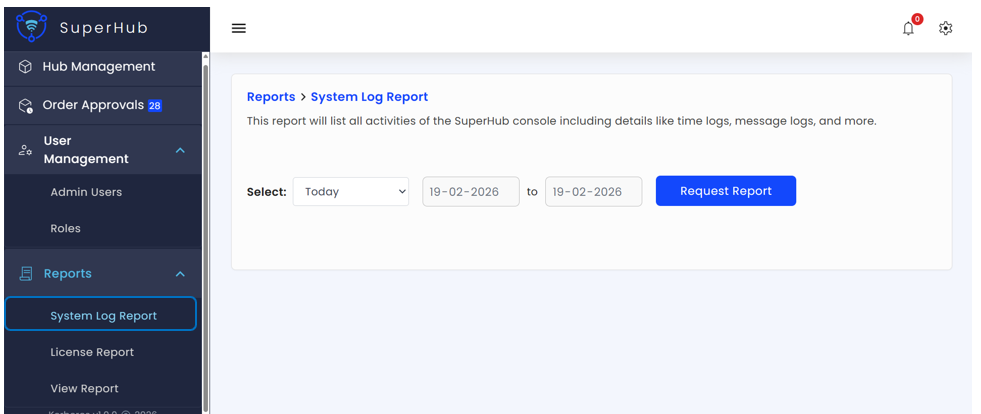
This report captures the following system-level activities:
User Authentication — Login and logout events
Administrative Actions — User creation, role updates, password resets, and other admin operations
Order Management — Order-related actions and status changes
System Events — System messages, errors, and time-stamped operational events
Generating the Report
To generate a System Log Report:
Navigate to Reports > System Log Report in the SuperHub Console
Define the time period for which system logs are required by selecting a date range
Click Request Report
The system log report will be generated for the specified period and made available for viewing or download.
A cooldown timer is displayed after requesting the report to prevent repeated submissions. The Request Report button is re-enabled once the timer expires, ensuring controlled and efficient report generation.