License Report
Overview
The License Report provides a consolidated view of license allocation and usage details for all partners under a selected SureMDM Hub within SuperHub. This report helps administrators monitor license distribution, consumption, and overall utilization across partner accounts.
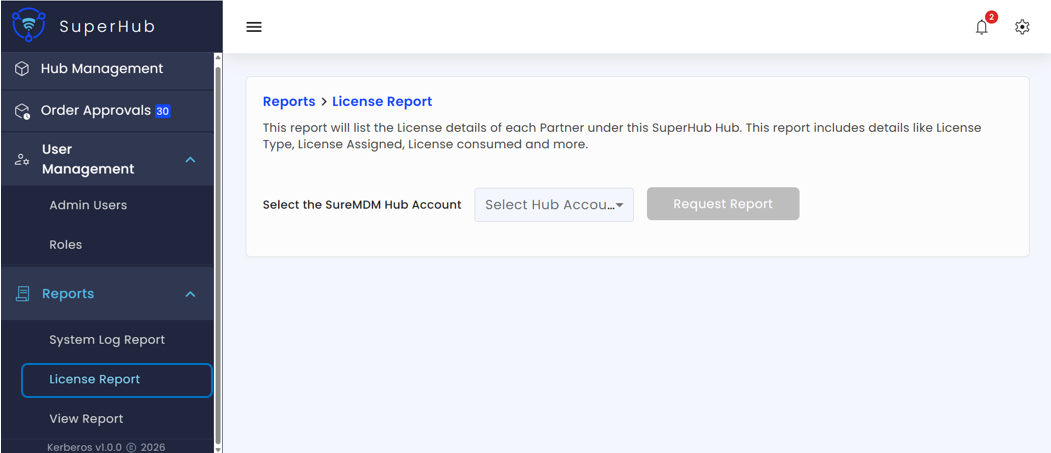
Generating the Report
To generate a License Report:
Navigate to Reports > License Report in the SuperHub Console
Select the SureMDM Hub for which the report needs to be generated
Click Request Report
The system fetches the latest license data available at the time of request and generates the License Report for the selected SureMDM Hub account.
A cooldown timer is displayed after requesting the report to prevent repeated submissions. The Request Report button is re-enabled once the timer expires, ensuring controlled and efficient report generation.