User Registration and Password Management
New User Registration
To login to SureAsset as a new user, follow these steps:
- Navigate to the SureAsset Login Portal
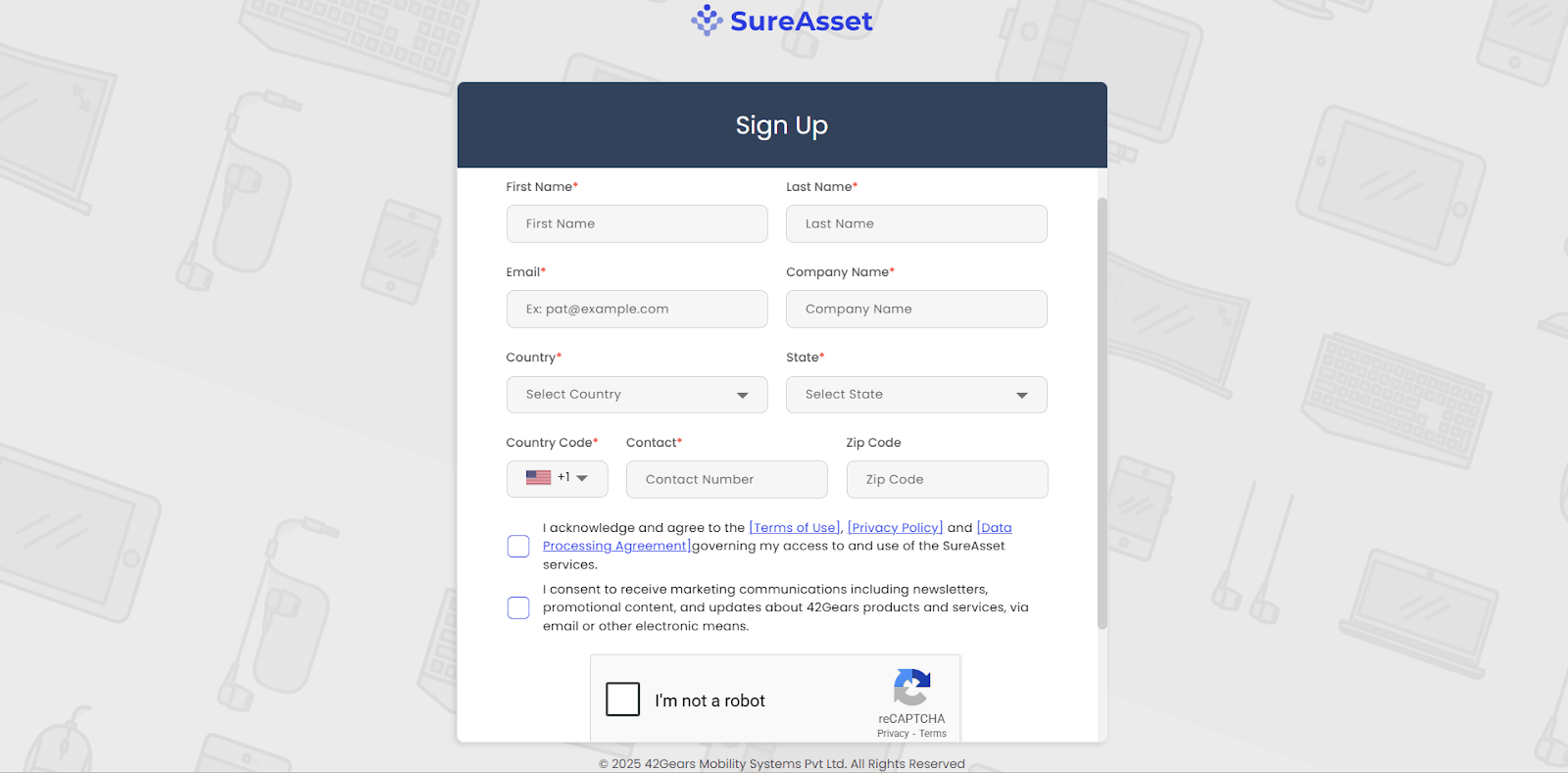
- Click Sign Up.
- Enter the required details.
 |
|---|
- Click Create to successfully create your SureAsset account.
Setting Up Your Password
To set up password, follow these steps:
- Once new user registration is completed, a password setup invitation will be sent to your email.
- Click Accept invitation and set a new password.
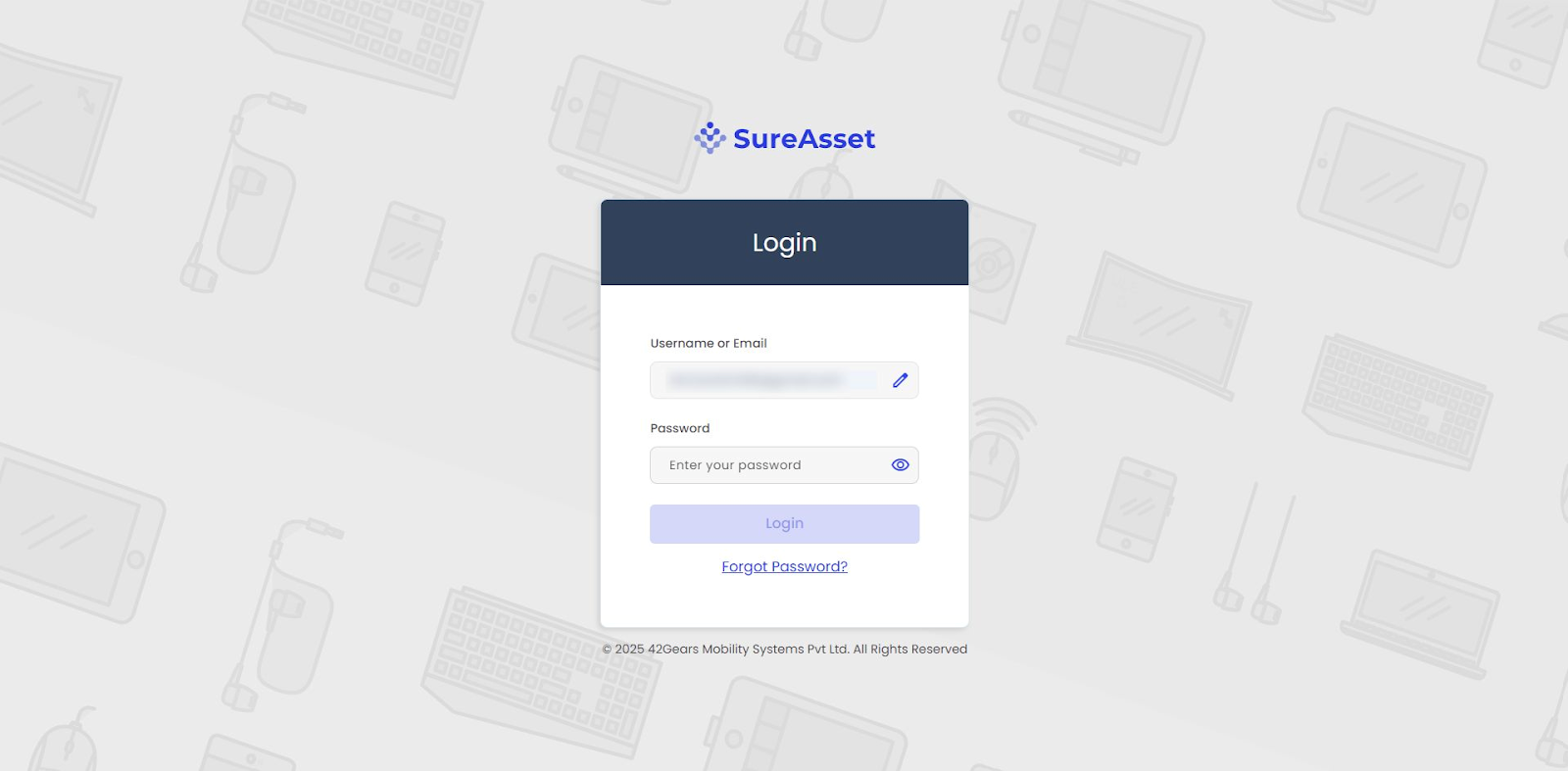
- Navigate to the SureAsset Login Portal
- In the prompt, enter your Username or Registered Email ID and Password.
 |
|---|
Reset Password
To reset password, follow these steps:
- Navigate to the SureAsset Login Portal
- In the prompt, In the prompt, enter your Username or Registered Email ID and click Forgot Password.
- A password reset link will be sent to your registered email address.
- Click the link and set a new password to complete the process.