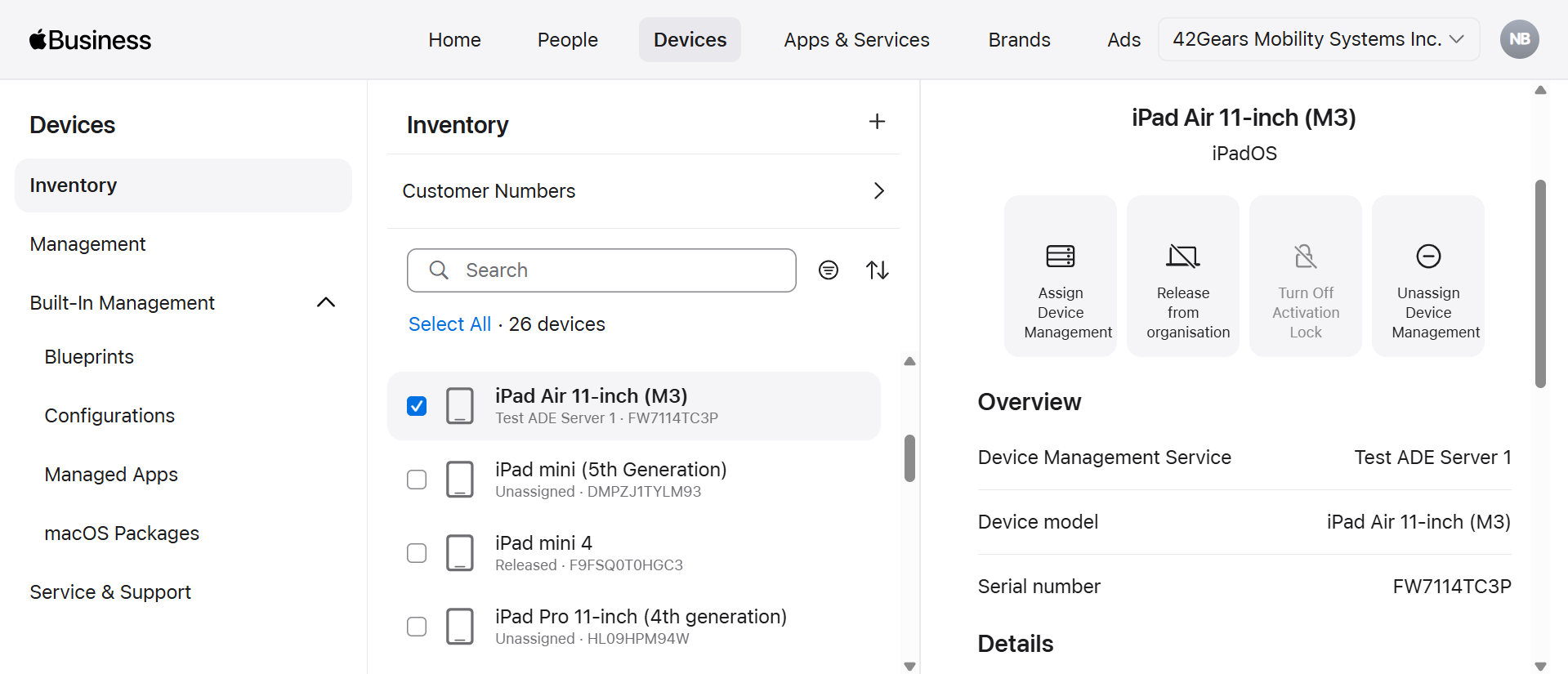
Assigning Listed Devices to MDM
After linking ABM with SureMDM, the next step is to assign the devices listed on the ABM account to the SureMDM server. For Device assignment, login to ABM portal and then assign required devices to SureMDM server.
Login to Apple Business Manager, navigate to Devices, and then select the desired device.
Click Assign Device Management option.
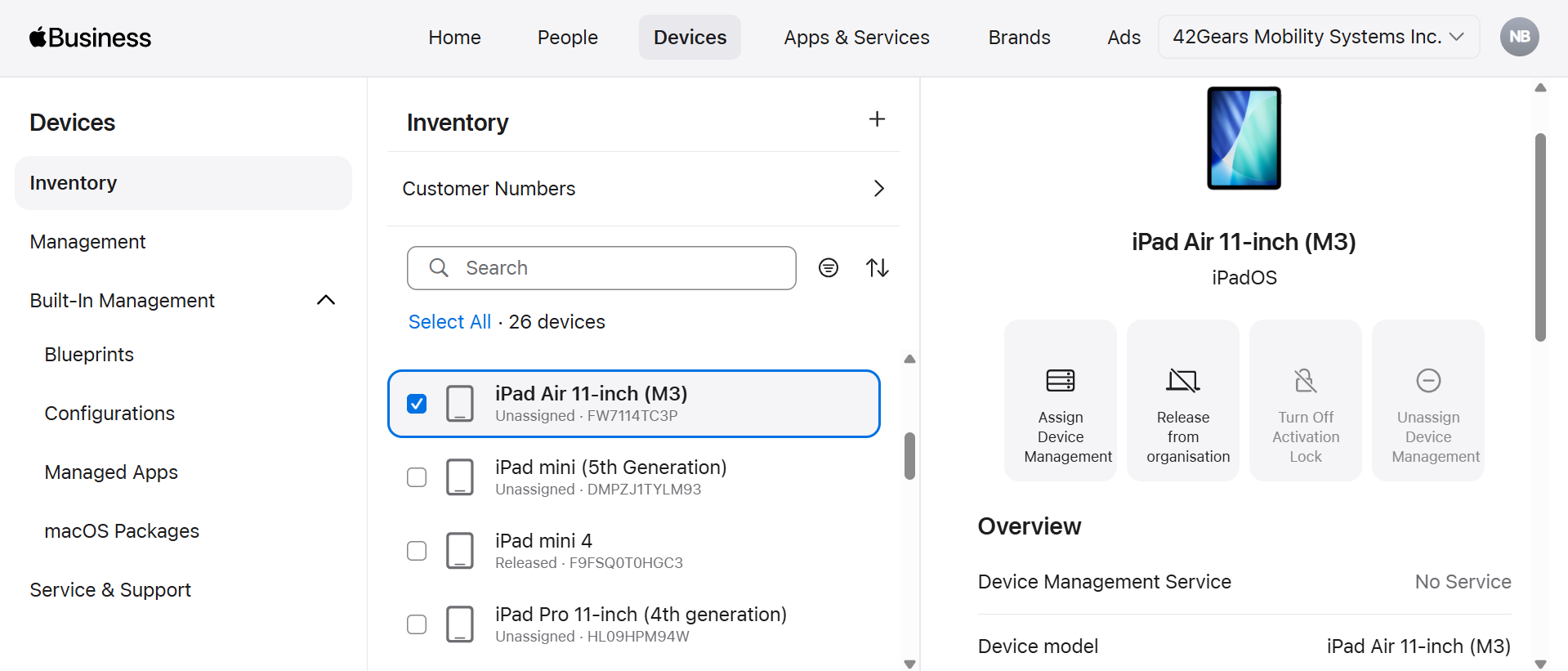
- Browse and select the created MDM Server under Device Management Service drop-down. Then click Continue.
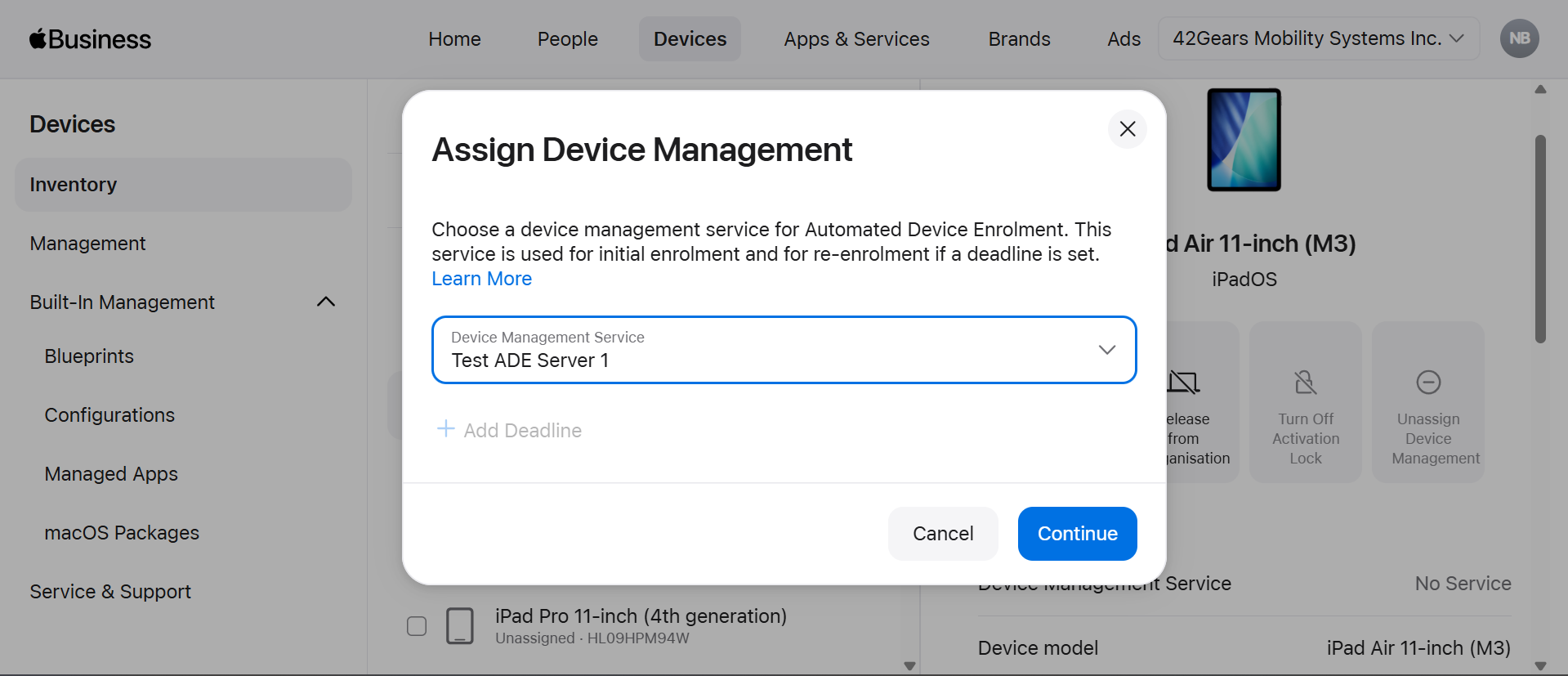
- Click Confirm on the prompt popup.
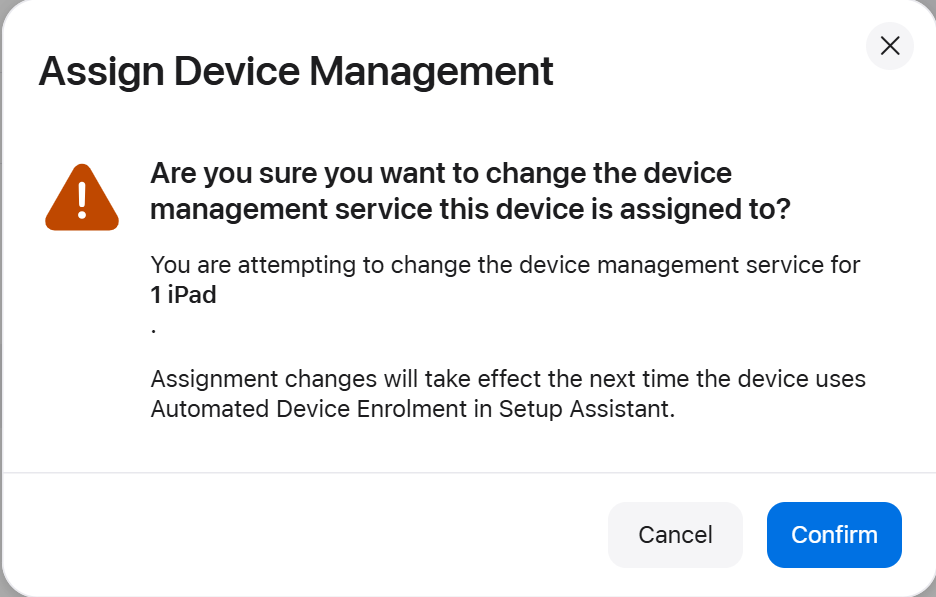
- The device would be mapped to the assigned MDM Server.