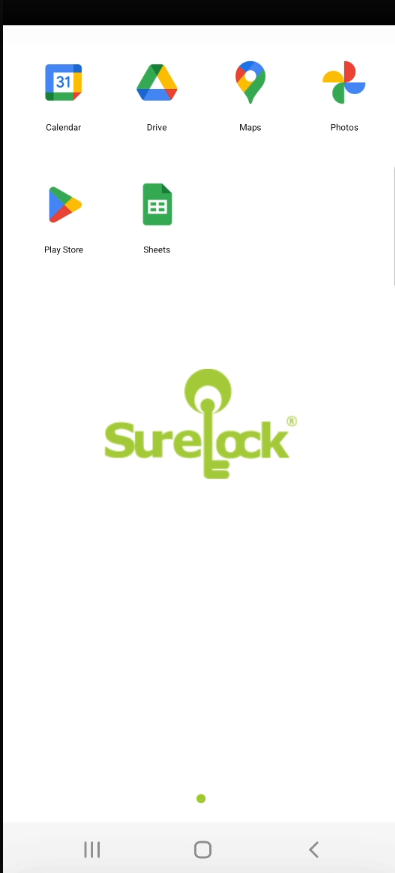
Login to Google G Suite User via SureMDM SSO
To login to Google G Suite User through SureMDM SSO, follow these steps:
- After the above configured SureLock settings job is deployed to device, the below UI screen displays on the Home Screen of SureLock.

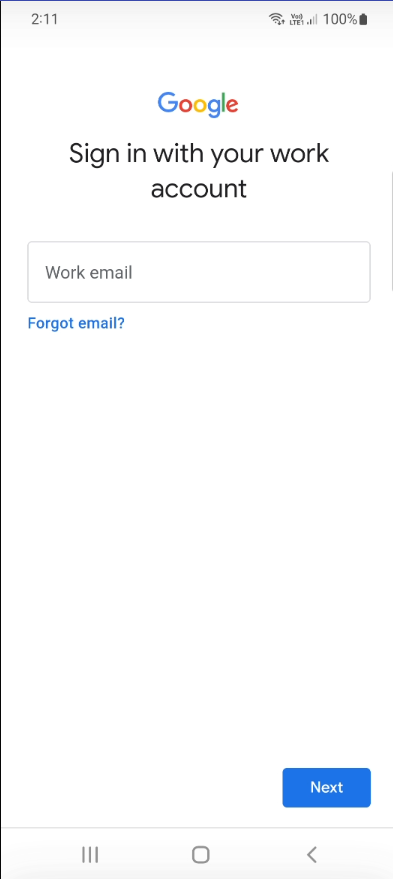
- Click Sign in, enter the Email Address of a User (Refer to step 5 under section Create a User in Google Admin Portal),and then click Next.
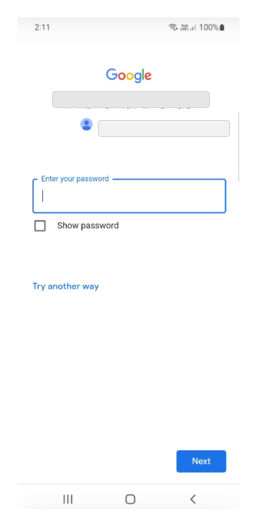
- On the next screen, enter the Password and click Next.
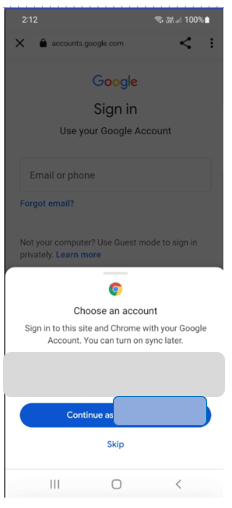
- From the Chrome custom tab screen, choose the account from the saved list, as shown in the below screenshot:
- After successfully logging in, the SureLock home screen will be displayed with specific configurations.