Upload the APK to the SureMDM App Store
Follow the below steps to upload the APK to the SureMDM App Store:
Navigate to the SureMDM Console > App Store > Android.
Click Add New App and select Upload APK.
Click Browse File to upload the application.
On the Add App prompt, enter the Category and Description.
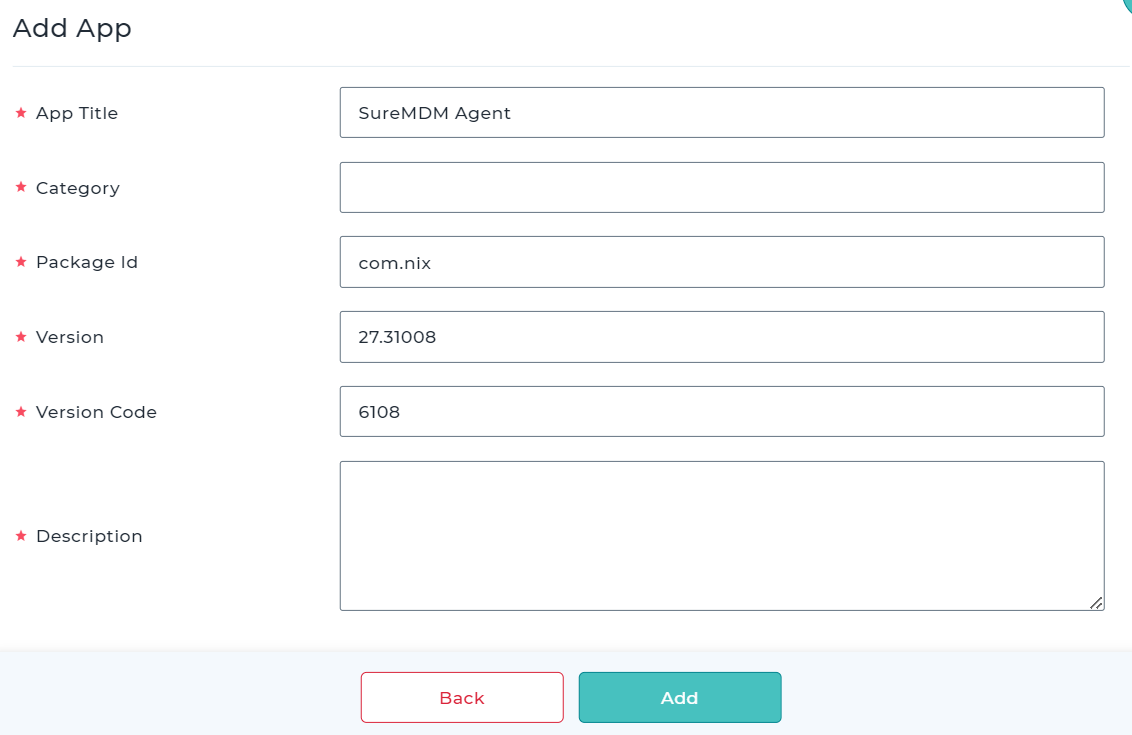
- Once done, click Add.
The application will be added to the SureMDM App Store.