Login to Google G Suite User via SureMDM SSO
To login to Google G Suite User through SureMDM SSO, follow these steps:
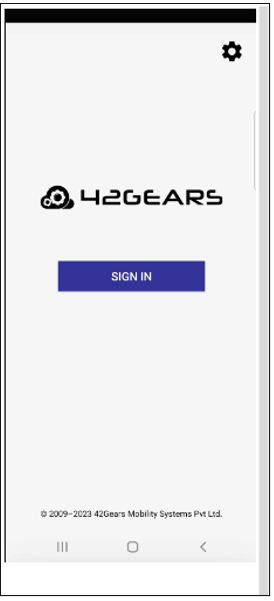
After the above configured SureLock settings job is deployed to device, the below UI screen displays on the Home Screen of SureLock.
Click Sign in, enter the Email Address of a User (After step 12 in Configure G Suite for Custom SAML App), and then click Next.
On the next screen, enter the Password and click Next.
From the Chrome custom tab screen, choose the account from the saved list, as shown in the below screenshot:
After successfully logging in, the SureLock home screen will be displayed with specific configurations.
1 / 5