Remote Support on Android Devices
SureMDM provides remote control option for:
All Samsung KNOX supported devices (Android Lollipop & above).
All Enterprise Agent installed devices.
All non-KNOX, non-rooted, non-signed Android devices running on Lollipop and above versions.
Steps to access Classic/Next Gen Remote Support on Android devices:
Login to SureMDM Web Console.
Select the Android device.
Right-click and select Remote or click Remote from Quick Action Toolbar.
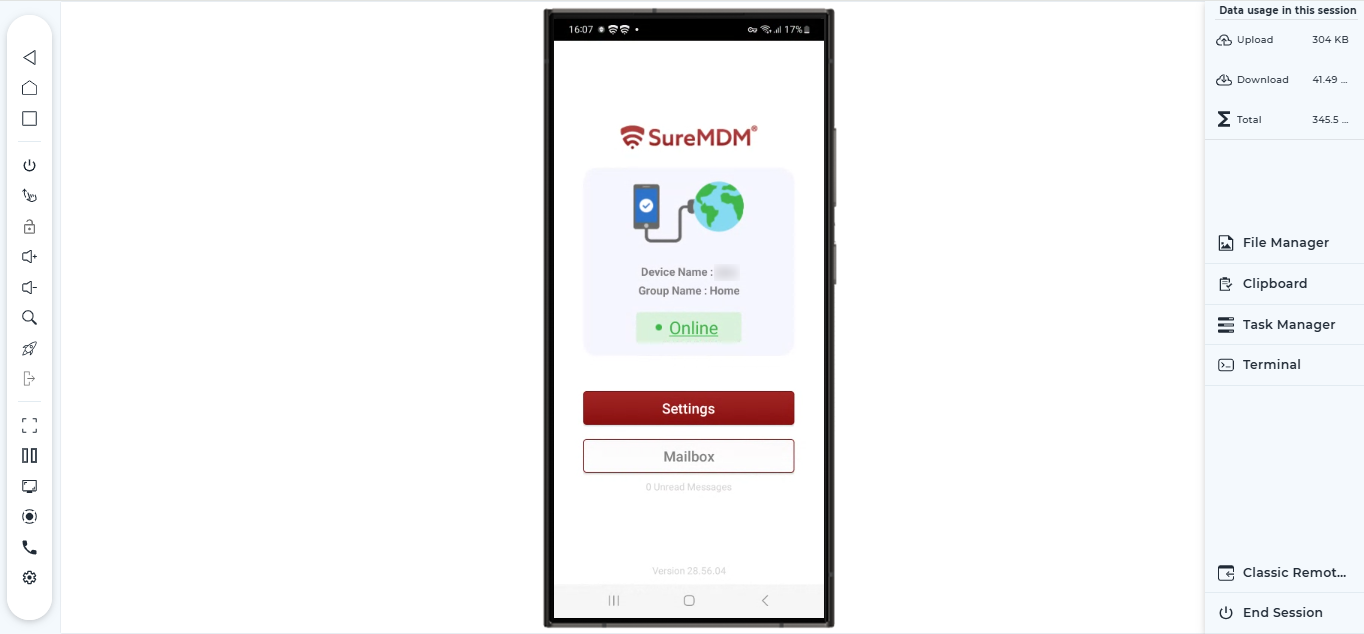
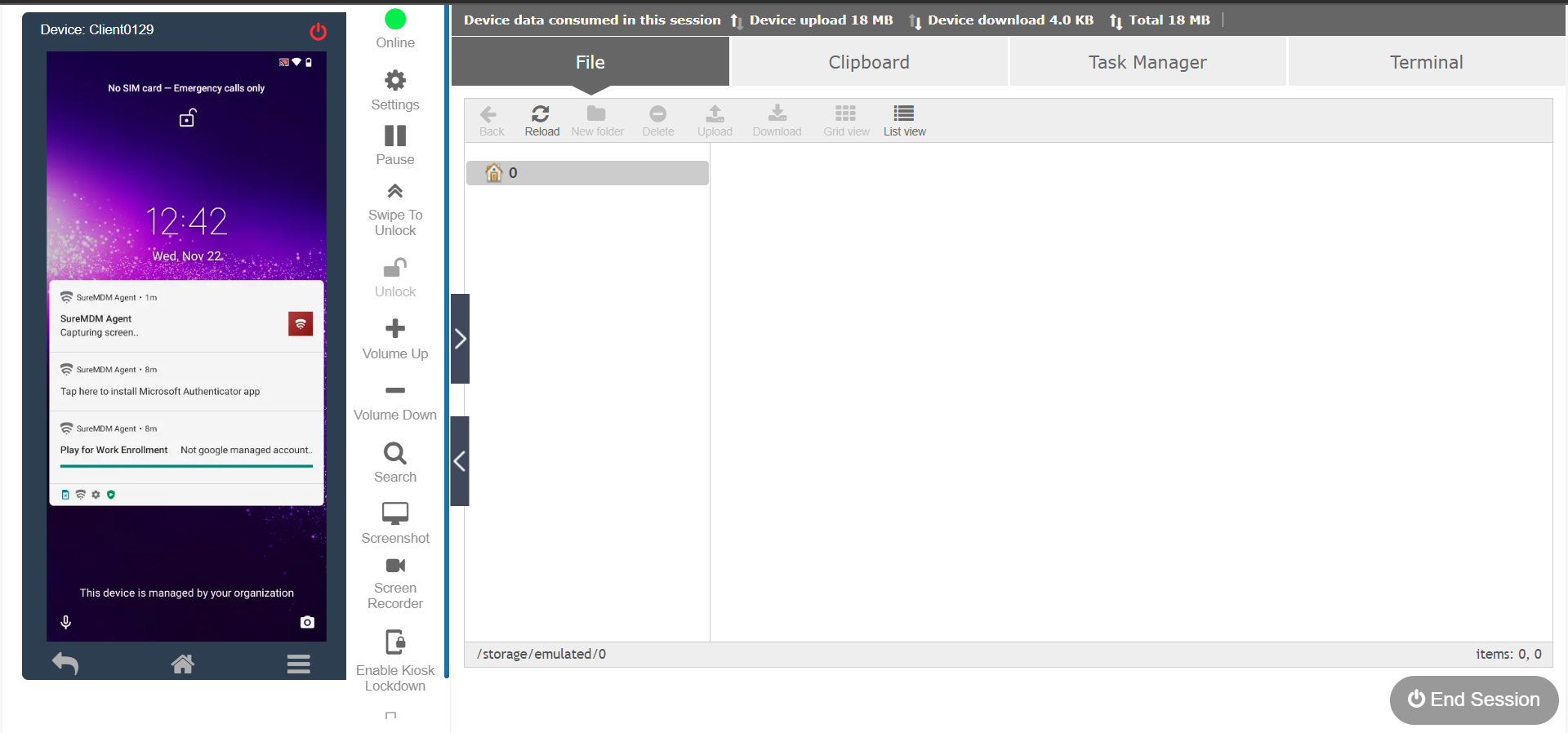
The remote screen will appear on the left side of the screen. The right side of the screen will have the following options:
File Explorer – Access files stored on the internal storage of the end user’s device.
Clipboard – Send, read, and clear text from device clipboard.
Task Manager – Monitor processes with CPU Usage, RAM Usage, and applications running on the remote device.
Terminal - Using Terminal on SureMDM, the admin can use the command lines to send commands and run scripts on Android devices.
Classic Remote Session
Next Gen Remote Session