NFC Manager
With this plug-in app, the admin can allow the user to transfer files between devices without exiting from SureLock.
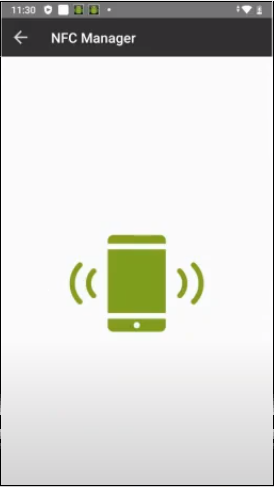
To enable NFC to transfer files,
1. Go to SureLock Admin Settings > Allowed Application > Plugin Apps and select .
The NFC Manager app will be added to the SureLock home screen.
2. Tap app and you can see the device is ready to connect with other device for file transfer.
note
Both the devices should support the NFC mode setting.
If you again tap on the green icon, NFC will get disconnected.