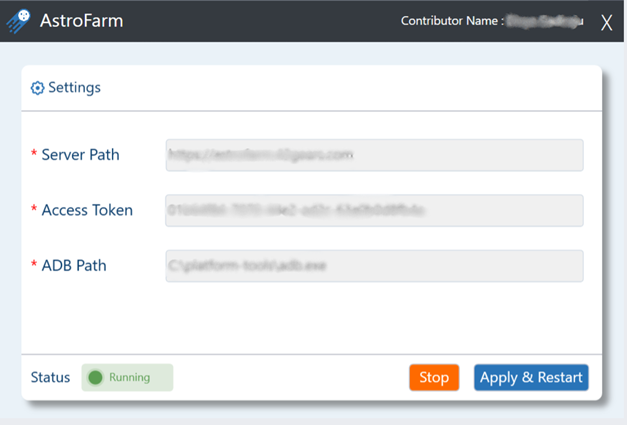
Windows Contributor Setup
Download and Install:
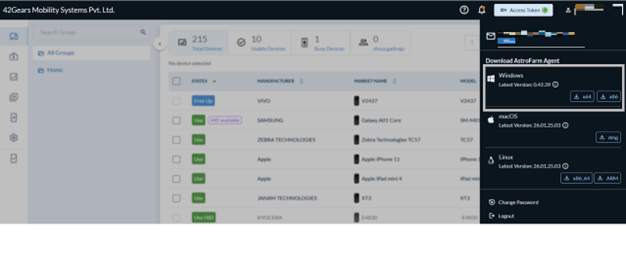
- Download AstroFarm Agent for Windows by clicking the Windows icon. An .exe file will download.
- Install the downloaded .exe file on your running Windows machine.
- Launch the agent application.
- Enter the following details:
- Server Path - URL of the AstroFarm server. Please contact your administrator if you have trouble finding it.
- Access Token - Paste the access token that you copied earlier.
- Enroll Android Devices - Select this option for Android device enrollment.
- ADB Path - Enter the path of the folder in which the ADB.exe file is saved on your machine. If the path is not known, type
where adbon the terminal. - Click Apply & Restart.