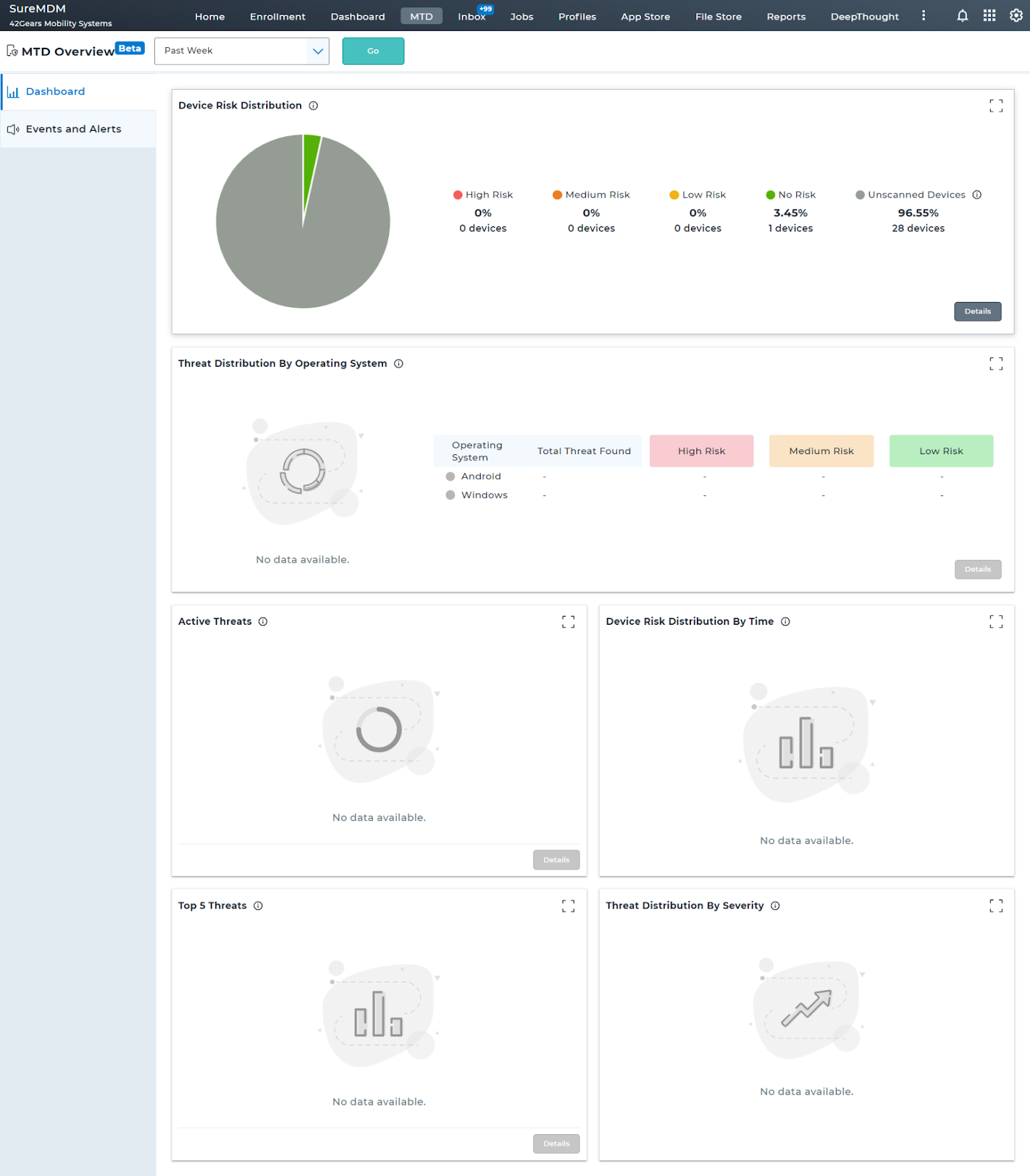
View MTD Dashboard
SureMDM's Mobile Threat Defence Dashboard provides comprehensive information about your device's security status, offering a detailed overview of potential threats and risks.
To view the MTD Dashboard and monitor the security health of your devices, follow these steps:
1. Log into the SureMDM console.
2. Navigate to Security > MTD Overview.
3. Click MTD Dashboard.
4. Select Android from the platform dropdown.
The following widgets are available in the dashboard:
- Device Risk Distribution - This graph displays the overall scan results for all the devices. (Device Risk - Low Risk, Medium Risk, High Risk).
- Threat Distribution By Operating System - This graph displays the severity distribution of active threats against operating systems.MTD dashboard gives a detailed breakdown of threats based on the operating systems.
- Active Threats -This graph displays the active threats present across all the enrolled devices and allows you to take immediate action to safeguard your devices.
- Device Risk Distribution By Time - This graph displays the device risk distribution over time. MTD dashboard gives you an overview of the risks over time.
- Top 5 Threats - This graph displays the top five threats on the enrolled devices.
- Threat Distribution By Severity - This graph displays threats according to severity level (High, Medium, and Low).\
- Device Trust Evaluation - This chart displays the compliance status for each Device Trust Signal Rule, showing the distribution of devices marked as Compliant, Non-Compliant, and Unmonitored across all enrolled devices.