Remote Manager
Note: Make sure that the device is connected to the PC over ActiveSync before using Remote Manager.
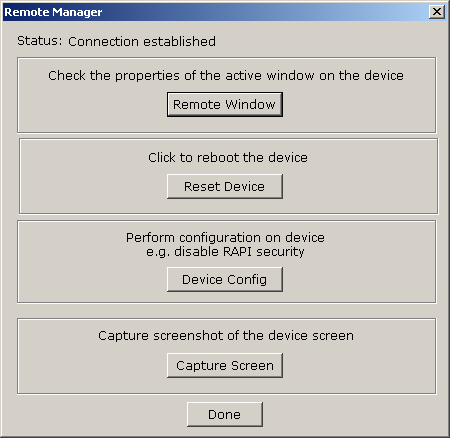
Remote Manager is a feature available in SureLock Studio which is quite useful during development. It can be used to:
-
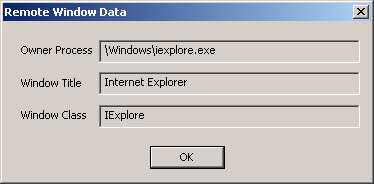
Retrive information about active window on the device. Click the Remote Window button.
Information includes: Path of the owner application, Window Title and Class name.
- Remotely reset the device. Click the Reset Device button. Connection with the desktop will be lost as the device resets. You must close Remote Manager and launch it again before using any other options.
- Configure the device security settings for RAPI (Remote API). Click the Device Config button on the Remote Manager window. Use this to disable RAPI security on the device before using other features of Remote Manager. Note: You need to disable RAPI security only if other features don't work.
-
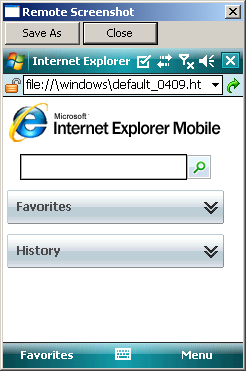
Capture device screenshots. You use this to send us the screenshots of the device in case SureLock is visually not working as expected.